2020.07.08
Photographer’s Flow Work to Photo Submission Part 2
Previous article Photographer’s Flowwork to Photo Submission Part 1 Continued . Last time, I listed what we do verbally (in writing), but this time I’ll try to make it easier to understand. This time, I’ll talk about what to do after the shoot.
I think the workflow is as follows
Pre-shooting → shooting → selection → development → editing
This time I’m going to talk mainly about the process of selection and editing.
By the way, in my case, after the final edit, I took the overall balance into consideration and used a developing software to create the image. I’ve made some minor color and brightness adjustments. I’ve included bullet points for clarity (because editing changes the look of those things). (Including the previous workflow.)
Before
What time of day is it? Is it mainly day, evening or night?
What kind of photos do you want?
Do you want to include people?
What will the photo be used for?
Do you need lighting?
How big is it? (Size, floor number, address, direction, glass? (Signed?)
Who gets a picture? (Talking about amounts and contracts.)
What is the use of the photos? (Talking about amounts and contracts.)
Preparation and confirmation of equipment and personnel
The sensor of the digital camera gets unexpectedly dirty (maintenance).
[Shooting|shoot]
Shooting in RAW
Take a picture with a gray card or color chart.
Check the focus and angle of view
Do you want the lights on? Do you want me to turn it on?
Do you need things? Better off without it?
Dusk is prone to color changes.
Cloudy and sunny.
Which lens do you want to use? Squeeze? Do you want to squeeze in?
Stirring, shooting on the premise of stitching, and shooting on the premise of composition.
Do you have anything from above? You want to stir things up from below? How high is the camera?
Does it have to be vertical?
[selection
What kind of pictures are they (or you) looking for?
Will it be a good picture after development?
Will it be a good composite picture?
Will it make a good photo if I remove unnecessary objects?
The expression on your face? What’s in focus?
Which is better, the same kind of photo?
→ I’ll try to develop them both.
→ If you can judge by experience, you will.
Rank, develop 5 and 4 stars
What about unintentional flares?
1000cut→100cut
[Develop|developing]
Decide on the white balance
Determine the impression of the photo (color and brightness)
How to handle highlights and shadows?
→ Might it be better if the highlights are blown out and the shadows are crushed?
→ Would it be better if all the brightness is represented like an HDR photo?
Colors vary depending on the developing software (light room?). (Capture One?)
→ I’ll try to develop them both.
→ If you can judge by experience, you will.
What is the correct color of the object being photographed? Does it have to be the right color?
What color are the lights?
Different camera manufacturers produce different colors.
Colors will vary depending on the lens.
When multiple photos are needed, the color and brightness must be matched to some extent.
What color are the lights? Is it right to cancel it out? Is it right to give the lighting color?
What color are the lights?
Spice: “Tone Curve and Light/Dark Corrections (Color Curing and Color Rollover)
Do you mainly watch it on a PC? Is the main thing to print out and look at?
What is the required color space and resolution?
Fiddling with colors means that the color information is reduced rapidly.
Film-like color
Aspect ratio.
[edit|editing]
Easy to use Photoshop.
Sensor debris and lens debris
Stamping tools are heavy in the light room.
Join them together.
Synthesize.
Fiddling with colors and brightness using layers (not so much)
This is how it will look like. Putting aside the details, once we’re done talking about workflow. For commercial photography, I think the most important thing is to think about whether the right things are being done in every process. Personally, I thought.
[A photographer’s workflow in the film era]
I like the color of the film. These days, there are presets for each software, and they are available for sale, so it’s becoming a lot more enjoyable. We’re talking about color grading. I guess the term was originally used in the video industry. There’s a lot of work to be done digitally, and I wonder if it used to be a bit more divided in the past. (The photographer is the photographer, the developer is the developer, etc.). But instead of not being able to digitally develop the image, the color temperature of the lighting is measured with a color meter to determine the appropriate ( Bite a (targeted) filter and shoot. And since it’s film, it’s a one-shot deal. This sounds like a lot of fun, but it’s also a lot of responsibility, and I think it was a tough job. It was a lot of work. It was like a professional’s field of work had shifted.
I learned a lot from film, but of course I also like the colors.
[Playing with the data]
As I mentioned above, I’ve been fiddling with digital colors from RAW data (color blurring, color shifting, WB’s The act of setting up, cutting shadows and whites, etc.) is also an act of damaging the data. The process of changing the number of colors from high to low to make the image more impressive, outputting to JPEG, editing, etc. The RAW data remains, of course, but the RAW to JPEG development is still intact. Then make minor adjustments using Photoshop or other tools. You need to carefully consider the order of development and editing, because there is no way to get back to the original color even if you want to. There is a (I don’t want to do it again, because it would be too hard to develop it from scratch.
[Talking about the Light Room and Capture One]
I’m used to it and I find the light room easier to use. Different cameras have different tints depending on the manufacturer. In the same way, the hue varies greatly depending on the developing software. Even if you shift the white balance value by the same amount, the light room and capture one will give you a completely different tint. You’ll end up with a different color (it’s a really big gap, it’s harder to keep them the same). Here are my impressions of the two software programs.
Capture One.
It’s not easy to use (requires a mouse).
Shortcuts are difficult to use.
I think loading images is light.
It is difficult to post-process images developed in jpegs (very difficult to convey)
(The edges of the image are too edgy and unwieldy)
The sharpness is not too strong (if you look more closely in the light room, the sharpness can be strong).
Not intuitive (operability)
Colors are totally different from those in the light room (you need to like it or use it differently)
I don’t understand the file and folder structure (I have made files and folders on my PC without permission, so I am troubled).
The Light Room.
I think it’s light enough.
If you use too many copy stamps, they are heavy.
I’m used to it, so it’s easy to use.
I don’t think the color is very bad compared to Capture One
I get the impression that Capture One is still in its infancy, maybe it’s very easy to use once you get used to it. Photographers who are using the medium version of Phase One’s digital, because Capture One is the choice. It may be made to work well with Phase One images. I’d like to try out the Hassel Focus software as well.
Next time I’d like to talk about the “wonder of white balance” and “interpretation of indoor lighting”.
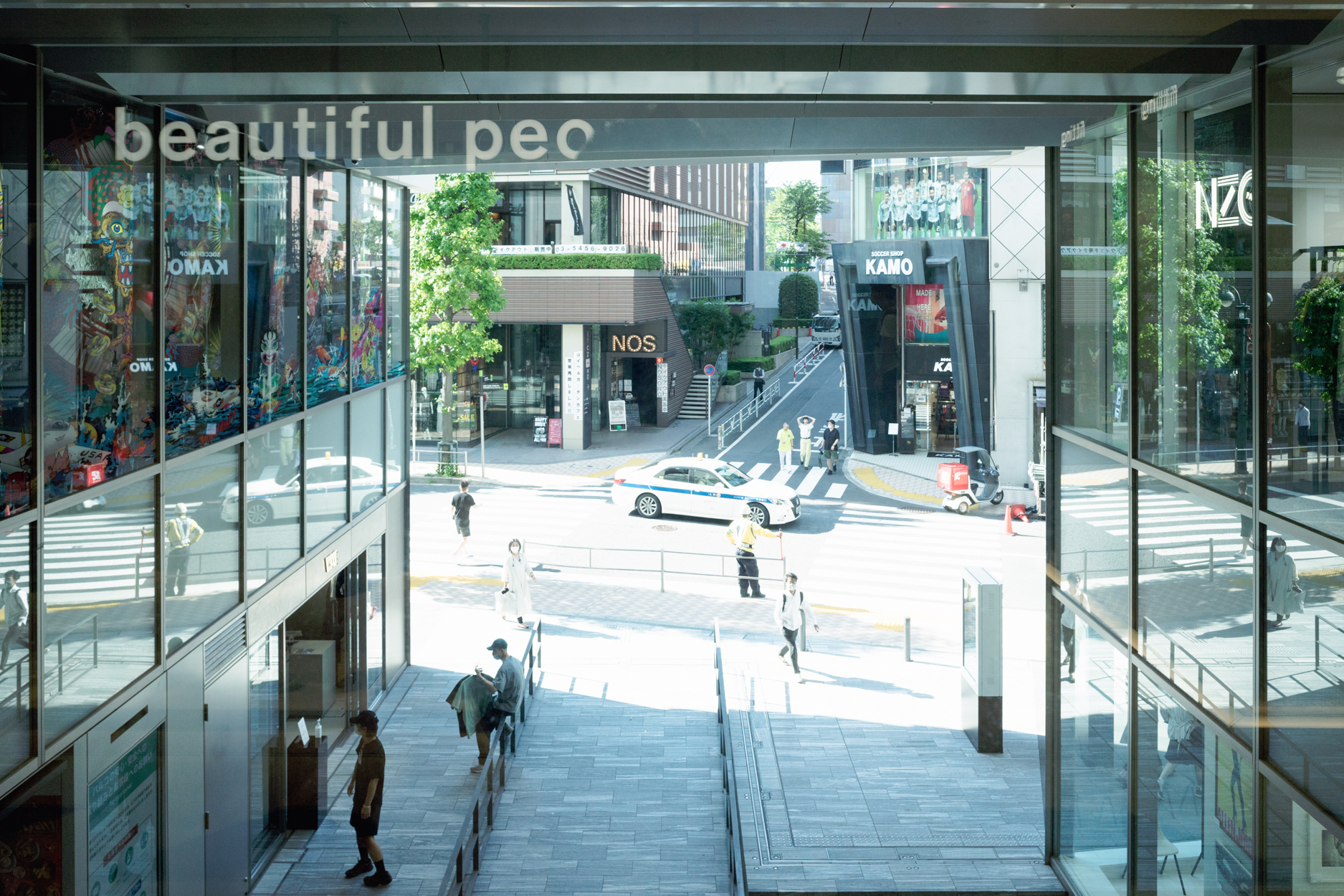
(Photo: Shibuya Parco /TOKYO)